

How To Order
Ordering Is Simple!
For every child you must create an order, one order per chid please.
We have simplified the way that you order so all of the Uniform items are on one page.
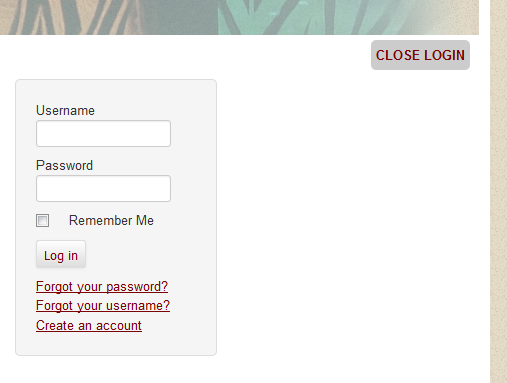
Step 1. Login
If you do not know how to login you can click here for the login instructions.
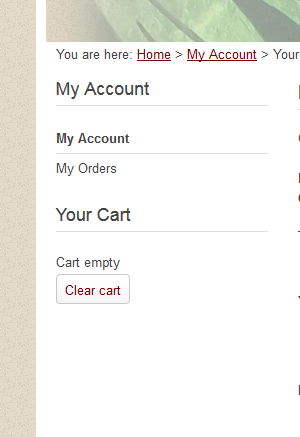
Step 2. Click on the Shop Button on the Navigation Menu
IF you do not see the Shop Button you must Log In
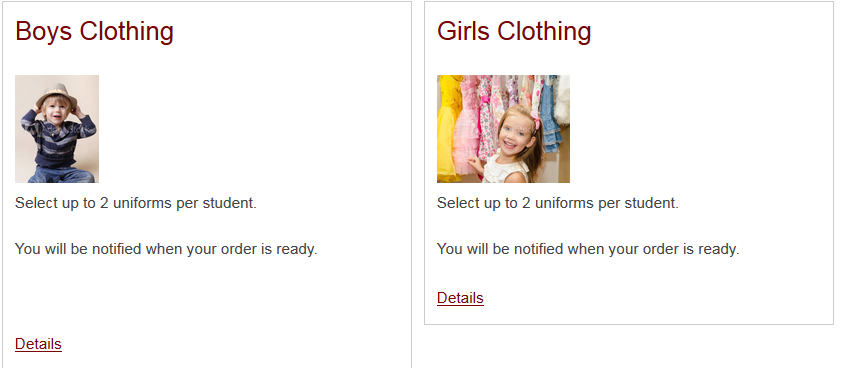
Step 3. Click the Boys or Girls
For Bag It Night Orders, you will see a Bag-It Night tag on the beginning of the text
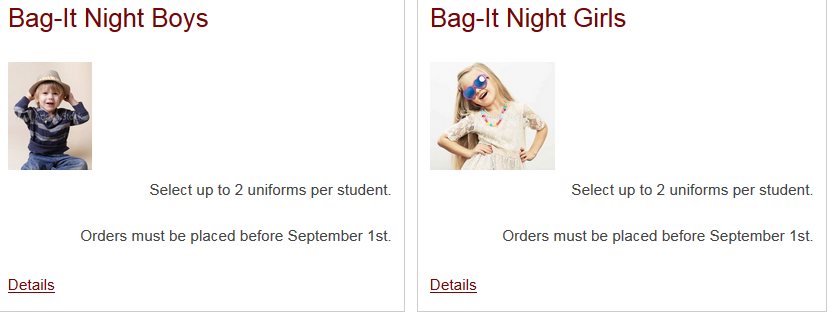
For Closet Orders (which are year round) click on the Boys or Girls Clothing images
Step 4. Select Your Items
You can fill your items by clicking on the image of the item. Then simply select the Color, or the type from the dropdowns.
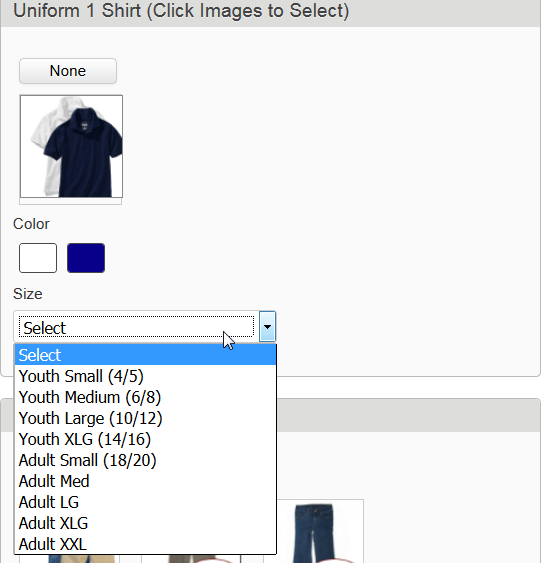
Once you have all of your items selected simply push the Add To Cart
HINT: The Field for Student ID is optional however it is recommended.
You can enter the Student ID for your child so we can track by StudentID

Step 5. Fill in your child details in the boxes below the cart (Scroll down to see them)
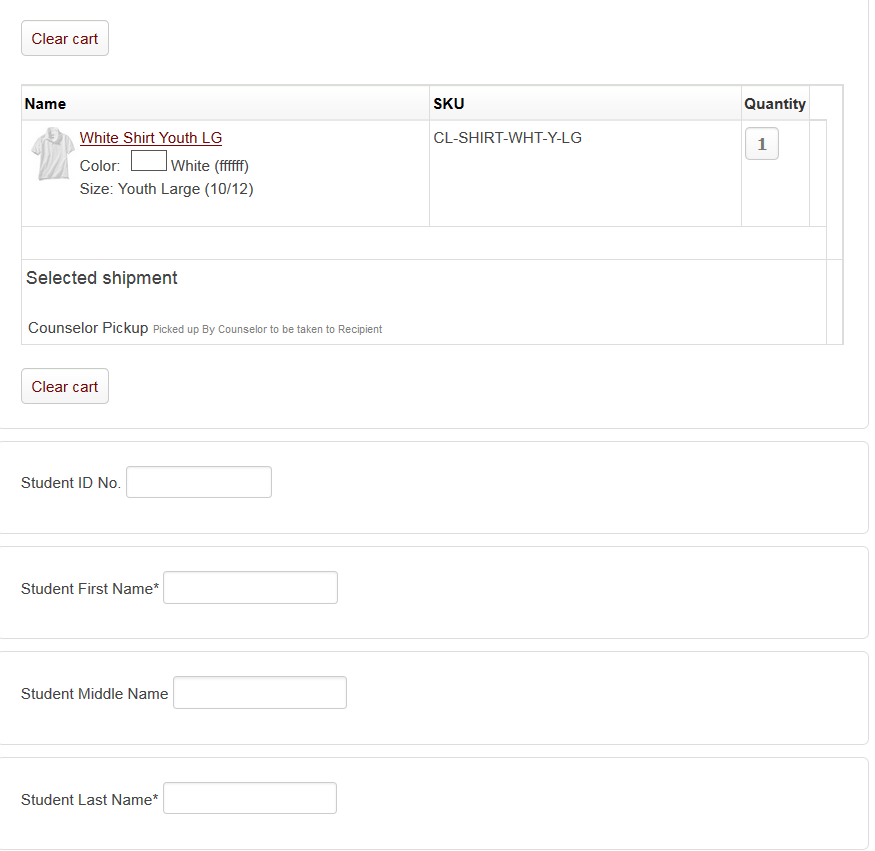
Please DO NOT FORGET the Age and the Gender of the Student.
Also you can enter in Special info such as Notes or Special Requests in the Notes Block
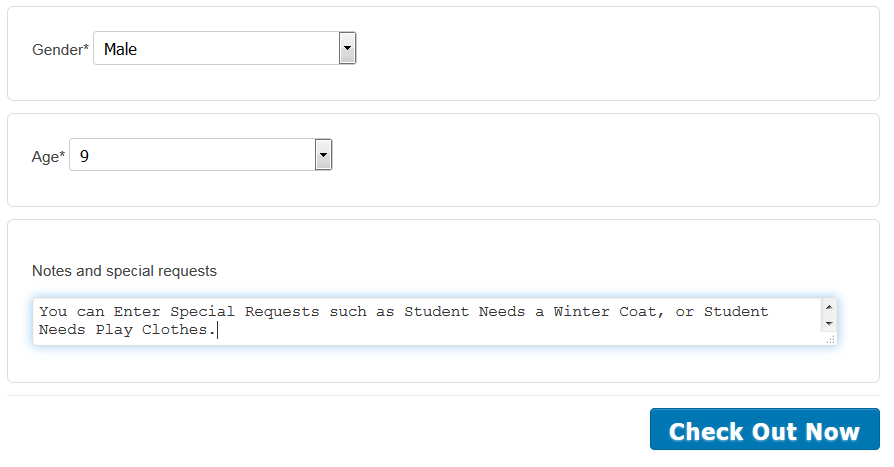
Now once you have Clicked Check Out Now, Review your information and Click Confirm Order