
Viewing and Tracking Orders
With our new system, you can track your orders as well as view your order history!
After ordering you will be shown a screen with View your Order or You can look at your order history.
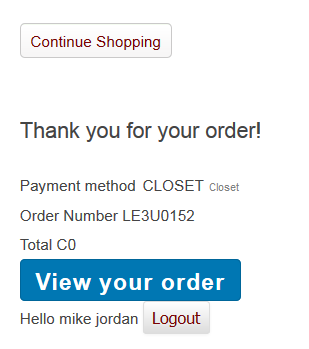
If you click on the View Your Order you will be taken to a page to review all of the order information again. If you scroll down there will be a display that looks like this
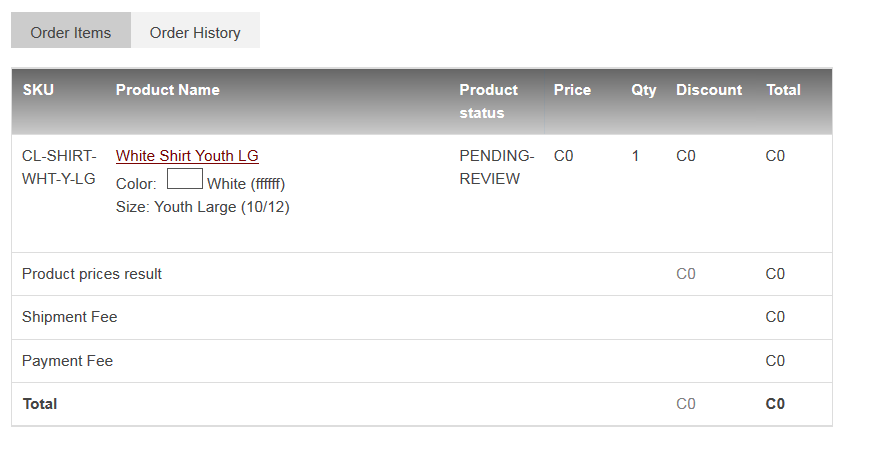
This list will contain all of the items that you ordered on this order. in the Status you will see that it is Either Pending Review or it could be changed to a CL-Pending or a BIN-Pending. We will explain the different statuses a bit later.
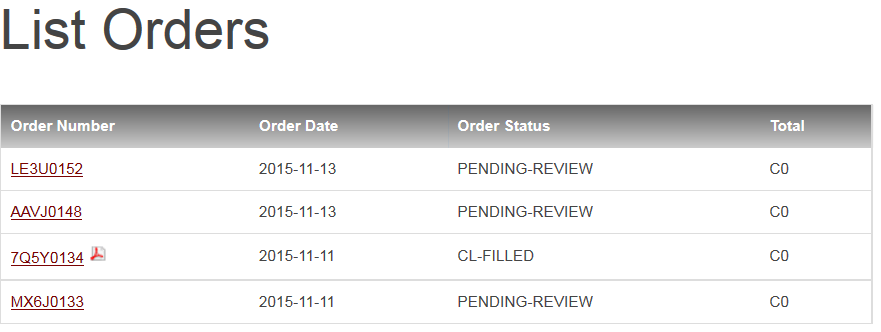
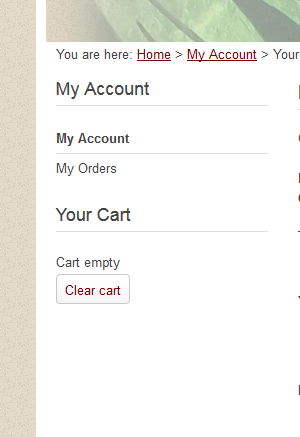
You can also track your orders through the My Account Link and Click on My Orders located at the left of the page
You can view your orders and click on the order number to view the page above and see which items you ordered for which child.